
You stay in the loop, without hovering
The Kids Gate is built on a simple promise: your child gets the fun, you get the facts.
Screens shown with sample family data
Follow your child's learning journey
Open your password-protected dashboard from the family screen in the app to follow each child's progress.
- 1OverviewCoins earned, average scores, completed activities and visits, with a progress chart.
- 2Leader DashboardCompare your child's activity with learners across the city, province and country.
- 3ReportsSearch and filter records of every activity and quiz result.
- 4SettingsManage children, subjects and subscriptions in one place.
Screens shown with sample names and messages
Connect parents and school staff
Parents contact the school through the app, without sharing personal phone numbers or relying on paper notes. Each conversation is about one child and goes to their teacher or principal.
- 1Tap ✉ and choose the child
- 2Write to the teacher
- 3The teacher replies from the dashboard
Teachers can check the child's results while replying and assign extra practice straight from the dashboard.
Up to six children, one account
Each child gets their own profile, their own path, their own rewards, and you see them all in one place.
-
Individual profiles
Separate progress, levels and rewards for every child.
-
Different subjects per child
One child can study both subjects while another does just Maths.
-
Fair family pricing
Additional children get discounted rates, see the pricing page.
Build your own hero
Coins, avatars and new lands are earned by effort, not chance, so children choose to come back.












Six English islands to explore
Each island is a land of lessons. Children follow the path one step at a time, and activities their teacher assigns appear right on it.
-
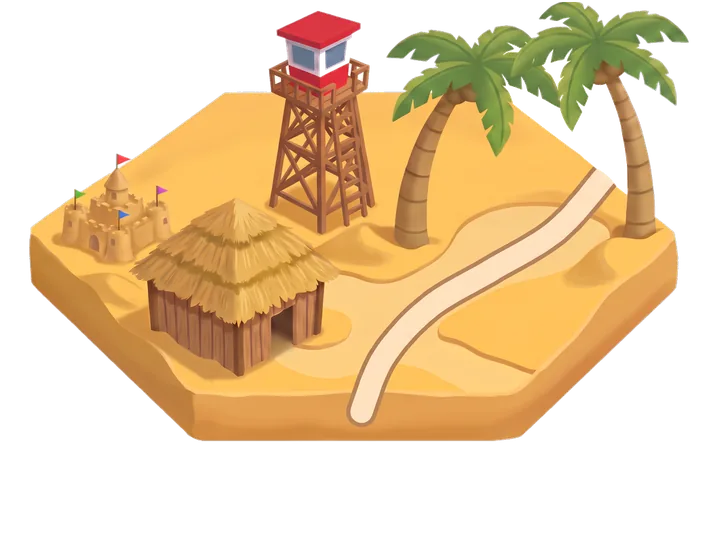 Beach
-
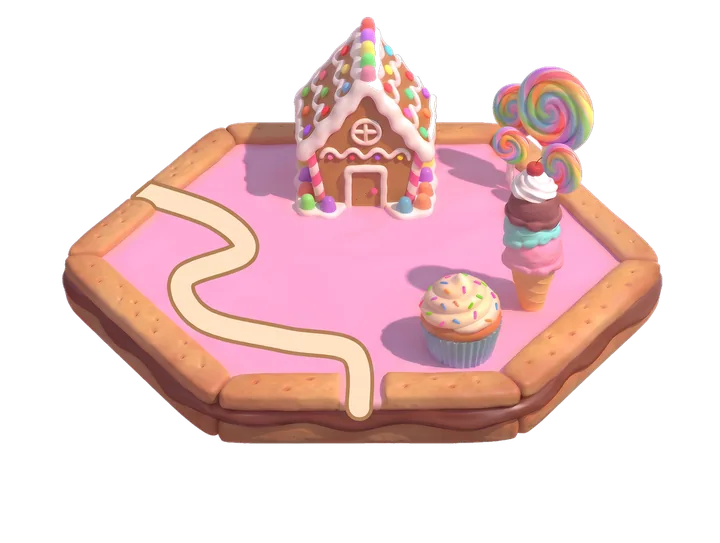 Candy
-
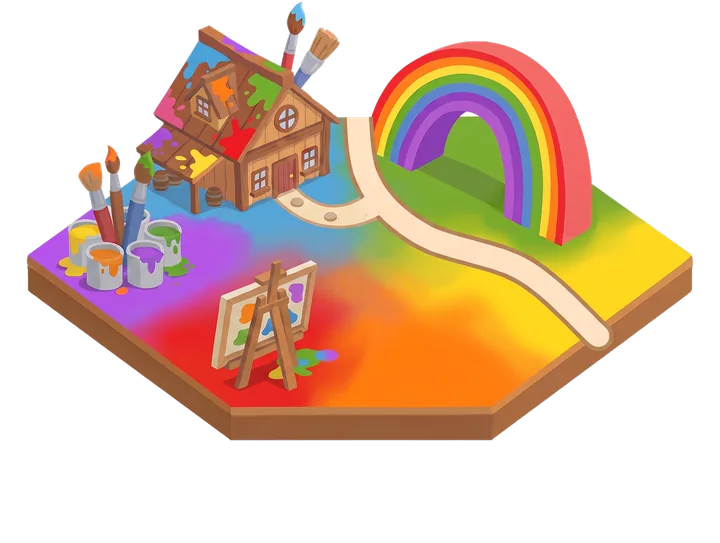 Colour
-
 Music
-
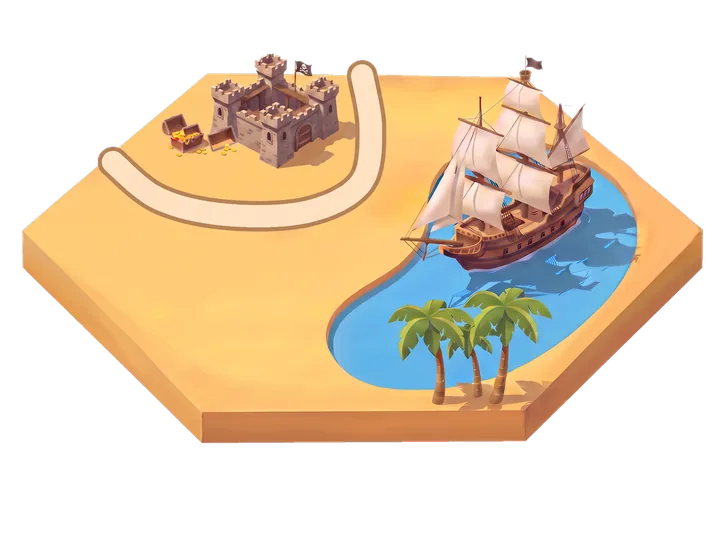 Pirate
-
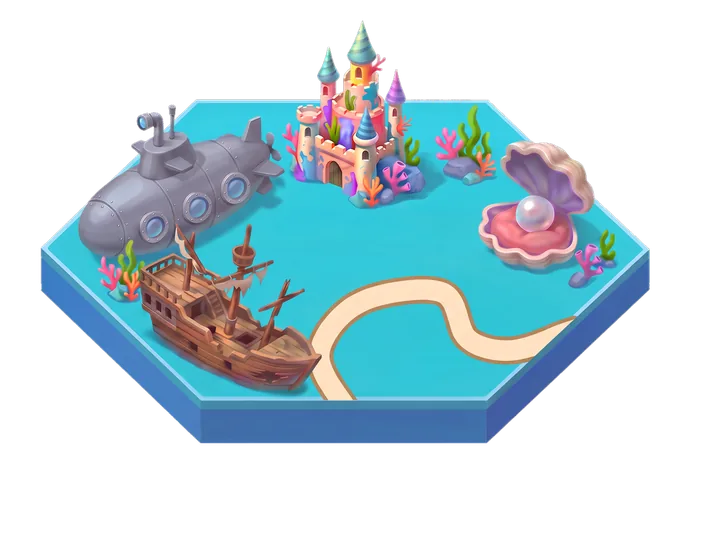 Underwater
The little things that make life easier
Thoughtful extras built around how real families actually use The Kids Gate.
-
Cancel Any Time
No lock-in contracts. Cancel your subscription at any time directly from your account settings.
-
Weakness Alerts
Flag topics where your child needs extra support so you can step in or discuss with their teacher.
A walled garden, in the best way
-
Completely ad-free
No advertising of any kind, anywhere in the app.
-
No contact with strangers
No open chat, no public profiles. Your child's name and progress stay private.
-
You hold the keys
Subscription, profiles, daily screen-time limits and settings all live in the parent account.
Up and running in four easy steps
From sign-up to your first progress report, here's exactly how it works.
-
1
Create a family account
Sign up and add your children. Each child gets their own profile and personalised learning path.
-
2
Child takes the assessment
A short diagnostic test maps your child's exact level across English and Maths.
-
3
Learning begins
Your child works through their personalised lesson plan. You can watch their progress in real time.
-
4
You stay informed
Log in to the parent dashboard any time to see detailed progress, streaks and achievements.
Asked all the time
The Kids Gate is designed around one short session of about 20 minutes per day. The app encourages stopping at a natural finish point rather than endless scrolling.
The Kids Gate teaches English as a second language (aligned with the Cambridge English curriculum) alongside International Maths for Grades 1–6. The adaptive path means it complements school by filling gaps and stretching strengths rather than duplicating homework.
That's exactly what the AI prevents. Difficulty adjusts after every answer, and a full reassessment every two weeks keeps the level honest.
Yes. The parent dashboard shows lessons completed, time spent, mastery changes and anything worth celebrating or watching.
Rewards celebrate consistency, not speed or competition. Tokens come from completed learning, and children are never ranked against anyone else, so the only progress your child sees is their own.